
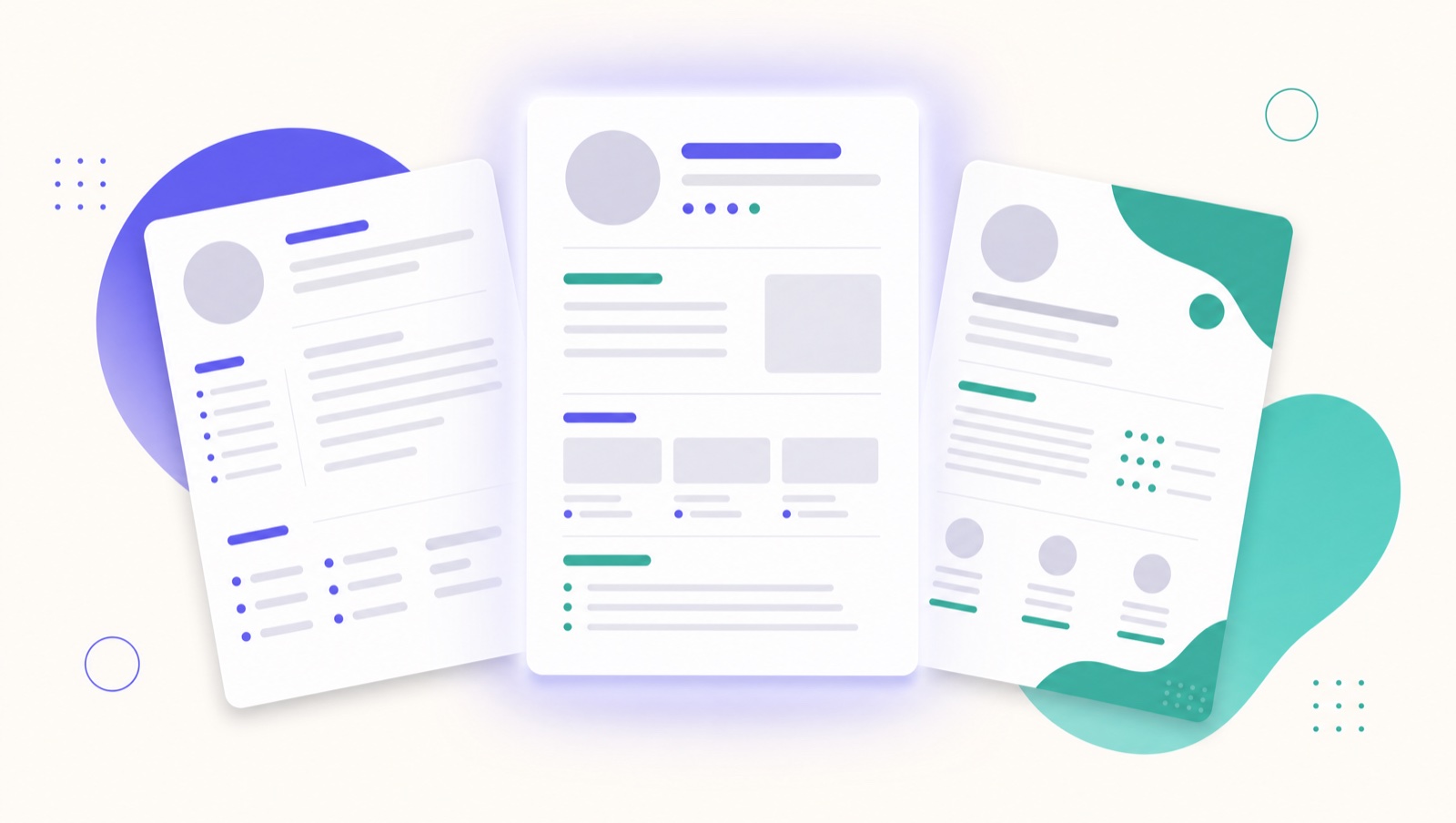
The Best Resume Format in 2026 (and Which to Avoid)
The "best" resume format is the one that's easy for software to read and easy for a recruiter to skim. In 2026 that almost always means a clean, reverse-chronological layout. Here's how the formats compare and what to avoid.
The three formats
Reverse-chronological lists your roles newest first. It's what recruiters expect, what Applicant Tracking Systems parse most reliably, and the right choice for the vast majority of people.
Functional (skills-first, hiding dates) is often used to mask gaps or career changes — and recruiters know it. It tends to raise suspicion and parses poorly. Avoid it.
Hybrid opens with a short skills/summary section, then a full reverse-chronological history. A good option for career changers who want to lead with relevant skills without hiding their timeline.
Verdict: reverse-chronological for most; hybrid if you're pivoting.
The structure that works
- Header — name, one line of contact info, and links (LinkedIn, portfolio).
- Summary — one or two lines, tailored to the role.
- Experience — newest first, with achievement bullets.
- Skills — relevant hard skills and tools.
- Education and any certifications.
Design choices that quietly break parsers
- Multiple columns. Text can be read out of order or merged. Use one column.
- Tables and text boxes. Content inside them is often skipped.
- Headers/footers for key info. Some systems ignore these — keep contact details in the body.
- Images and icons carrying meaning. A skill shown only as a graphic is invisible to the ATS.
- Uncommon fonts. Stick to widely supported ones at 10–12pt.
File type and naming
Submit a text-based PDF unless the form says otherwise (some older systems prefer .docx). Name the file like a professional: Jordan-Lee-Resume.pdf, not resume-final-v3.pdf.
Length and whitespace
One page early-career, two pages with more experience. Leave generous margins and white space — a cramped resume is hard for software and humans alike. (See How long should a resume be?.)
The bottom line
A reverse-chronological, single-column resume in a standard font, saved as a text PDF, will outperform a beautiful multi-column template a parser can't read. Save the visual flair for your portfolio. For the full checklist, see how to make a resume that beats the ATS.
Qlivik builds resumes in an ATS-safe format by default, so you never have to second-guess the layout.